Features

Built around statement imports, review, AI assistance, and tax readiness.

GrapeFinance is designed to turn raw bank statements into useful financial answers. The early-access product focuses on a strong single-user workflow first, with richer account coverage and asset tracking coming later.

In early access

The launch product is practical, not theoretical.

These are the capabilities early users will see first in the launch product.

Statement uploads

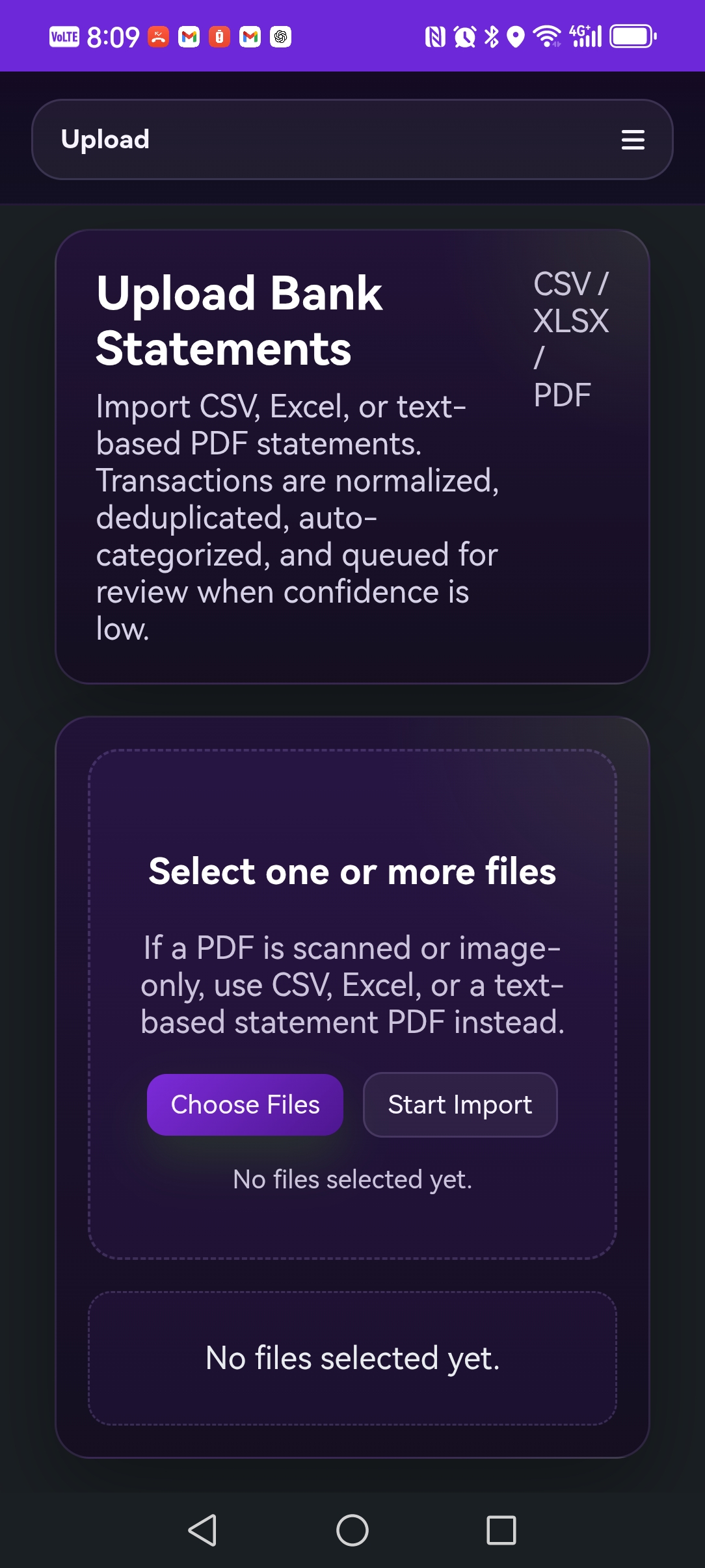
CSV and PDF imports

Import bank statements directly instead of rebuilding your financial history manually.

OCR

Scanned PDF support

OCR helps extract transactions from scanned bank statement PDFs when the source is not already machine-readable.

Protected PDFs

Password-protected statement handling

Use statement passwords for import processing without storing the statement password afterward.

Receipt storage

Store receipt photos and PDFs

Keep receipts, supporting PDFs, and transaction evidence in order inside the app instead of scattered across chats, folders, and downloads.

Categorization

Auto-categorization and custom categories

Start with auto-categorization, then refine the structure with custom categories that match how you actually think about your money.

Review queue

Review and edit unclear transactions

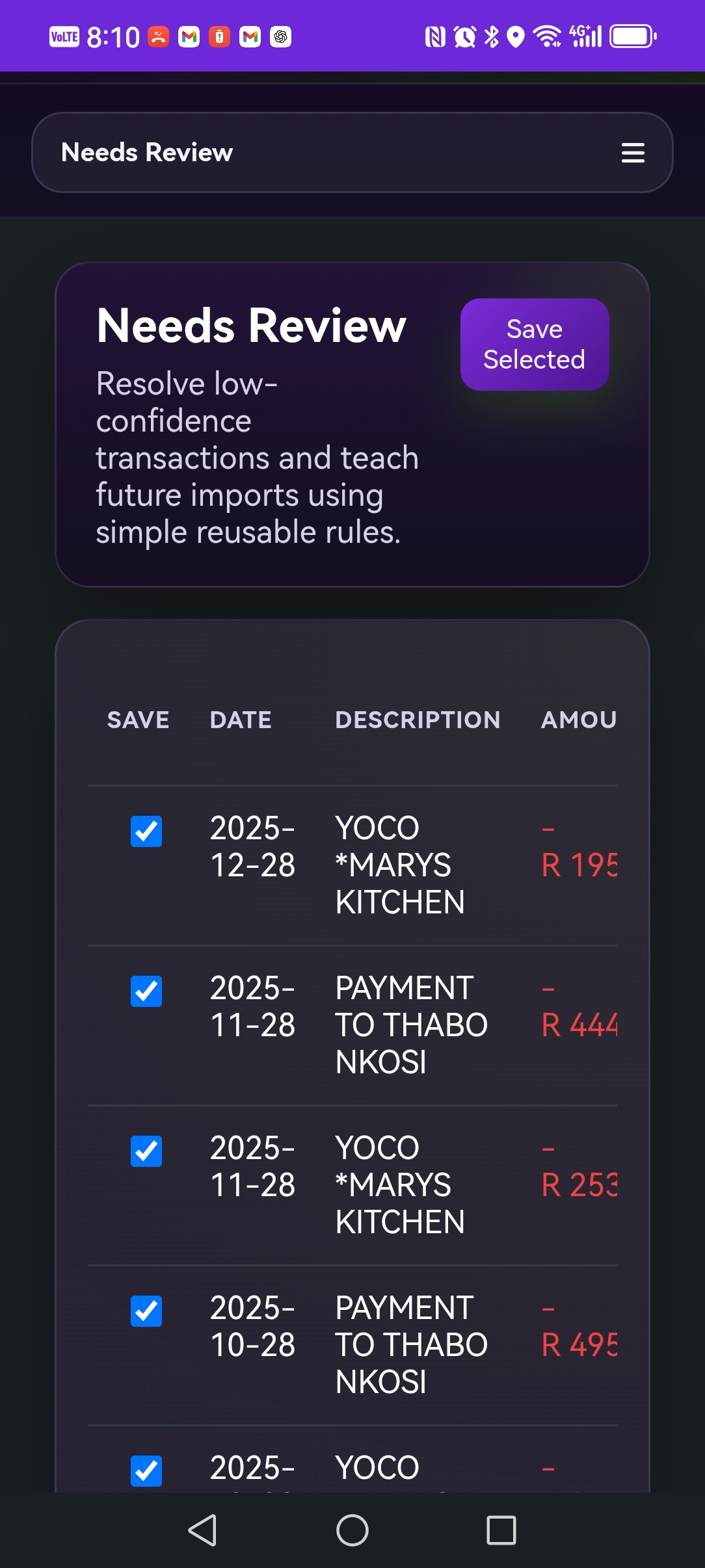
Resolve the items that need human judgment, keep reviewed transactions editable, and maintain a cleaner final record over time.

Learned rules

Less repetitive work over time

Create rules from repeated patterns so future imports arrive cleaner and require less manual cleanup.

Dashboard

Income, expenses, savings, merchants, and trends

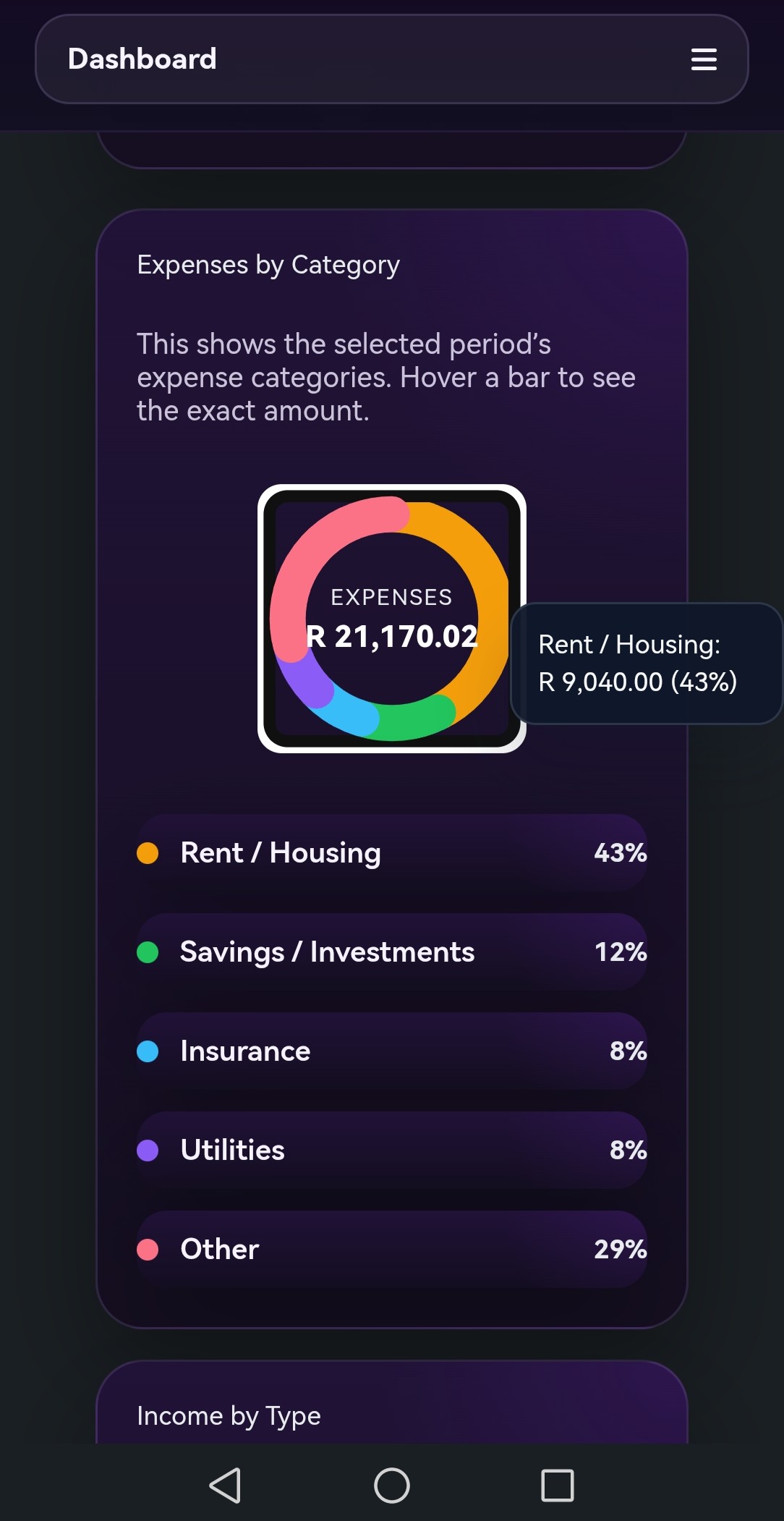
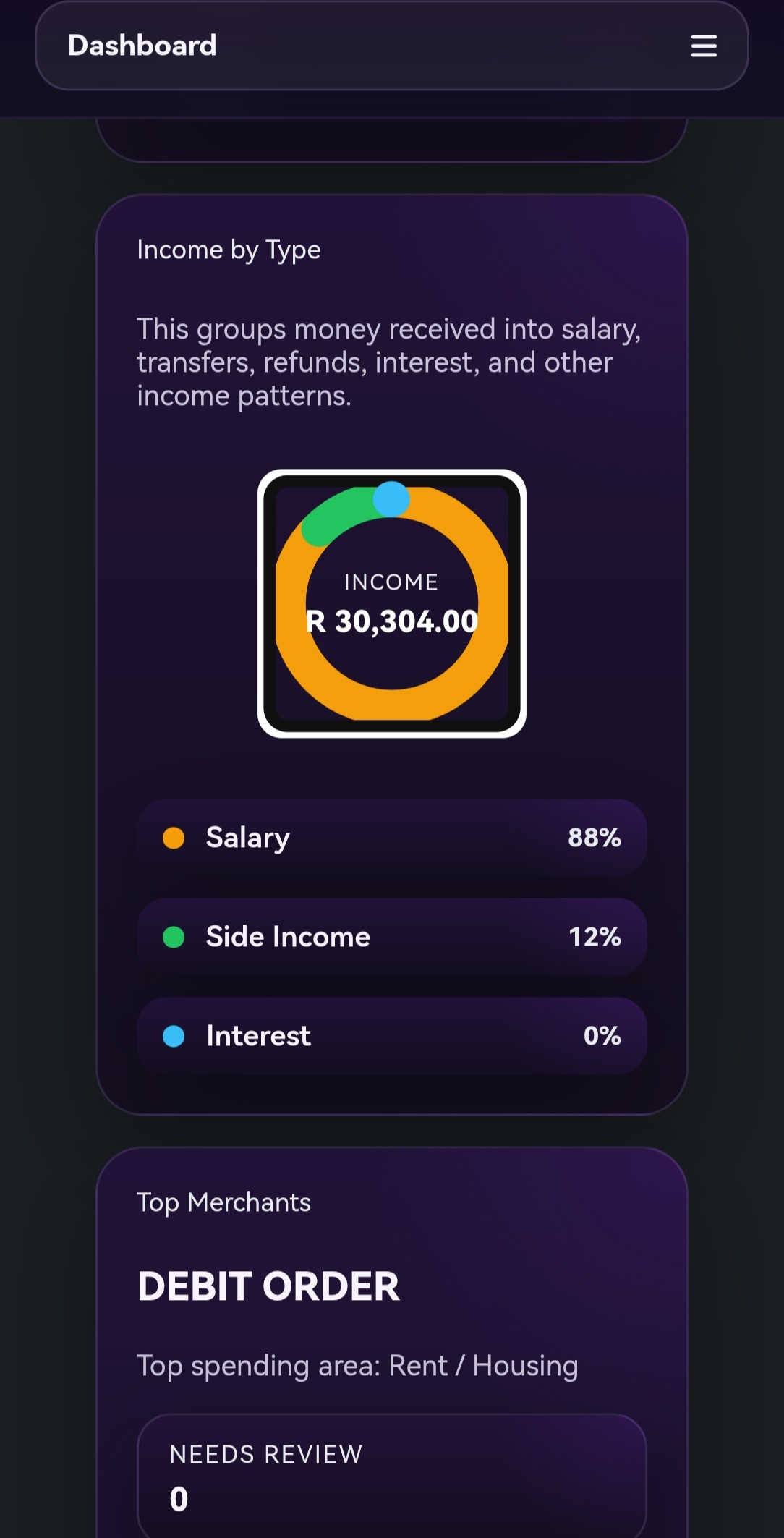
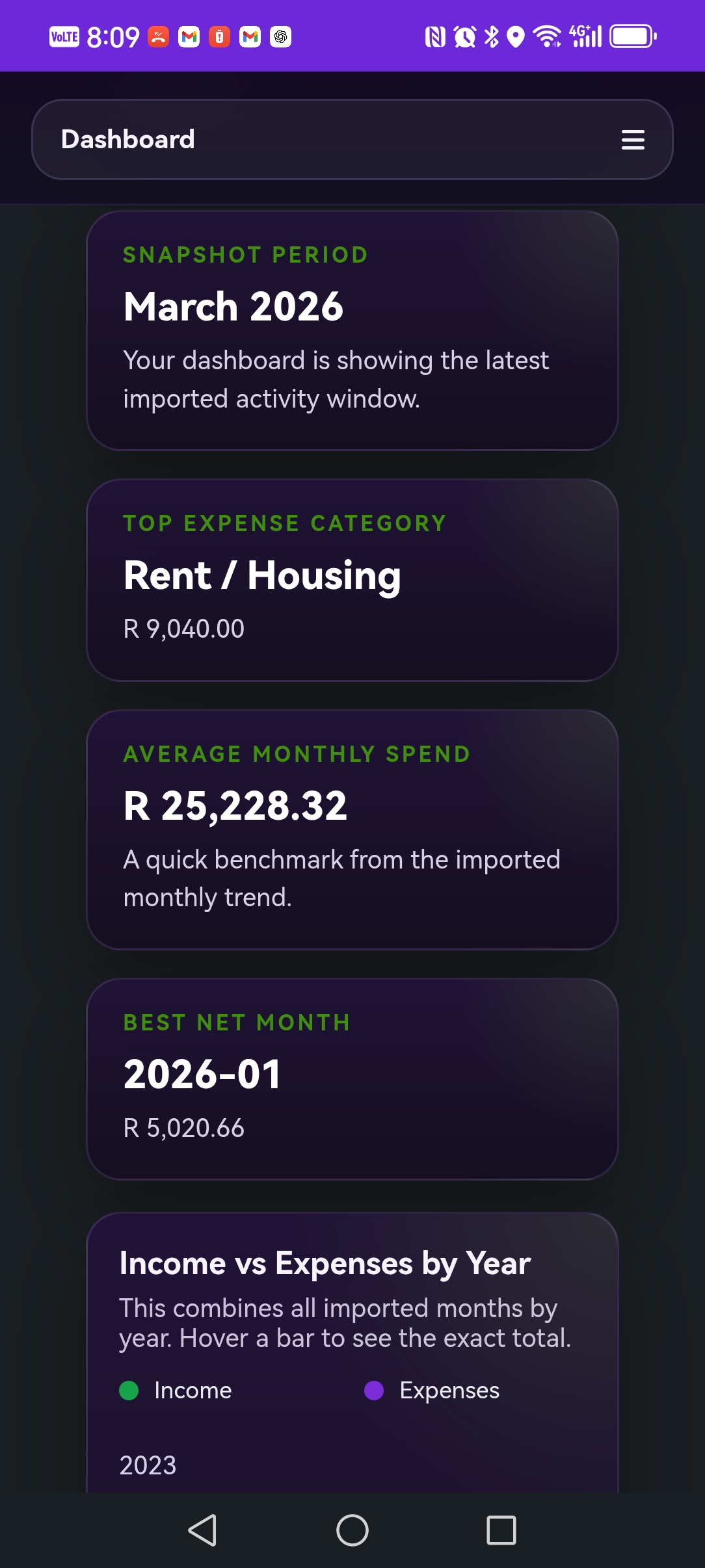
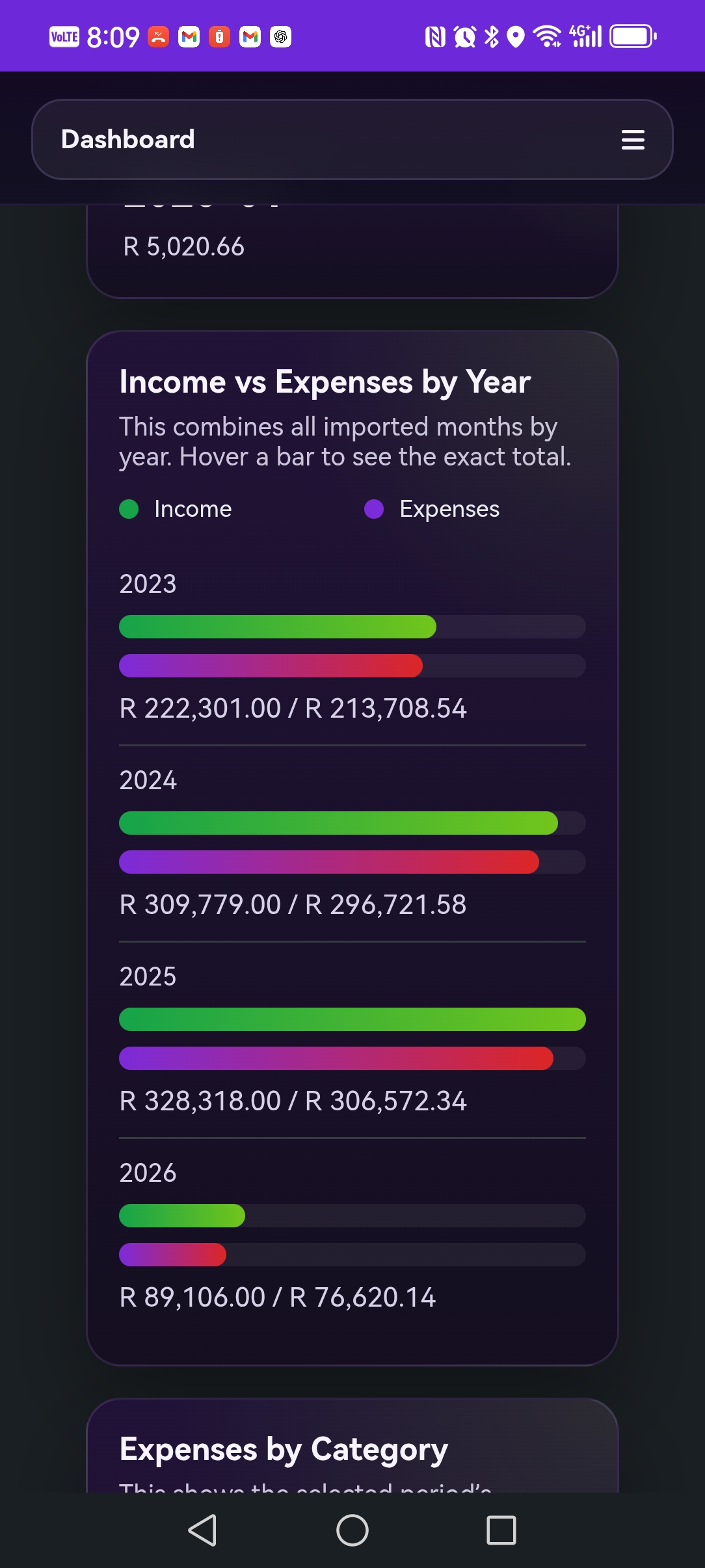
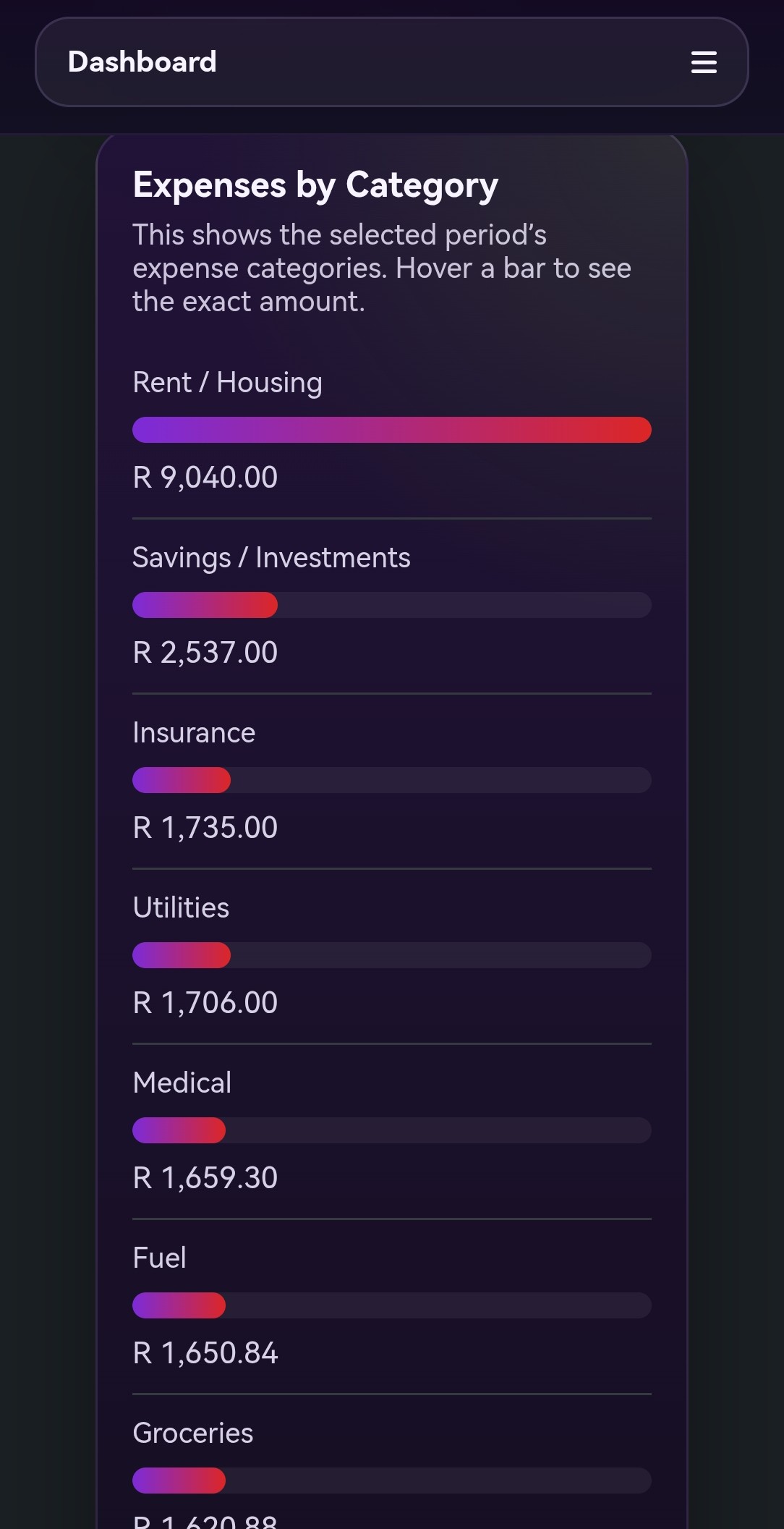
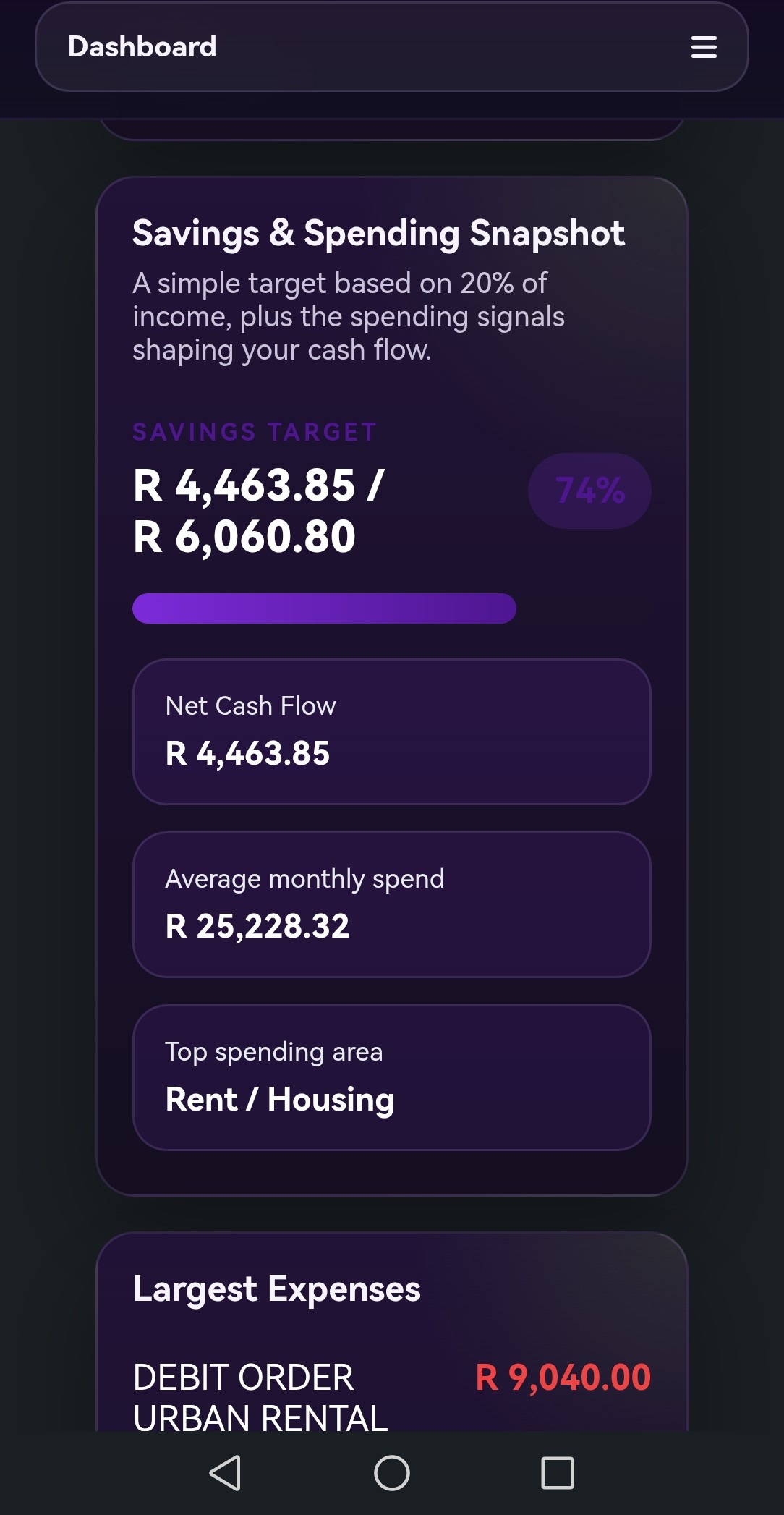
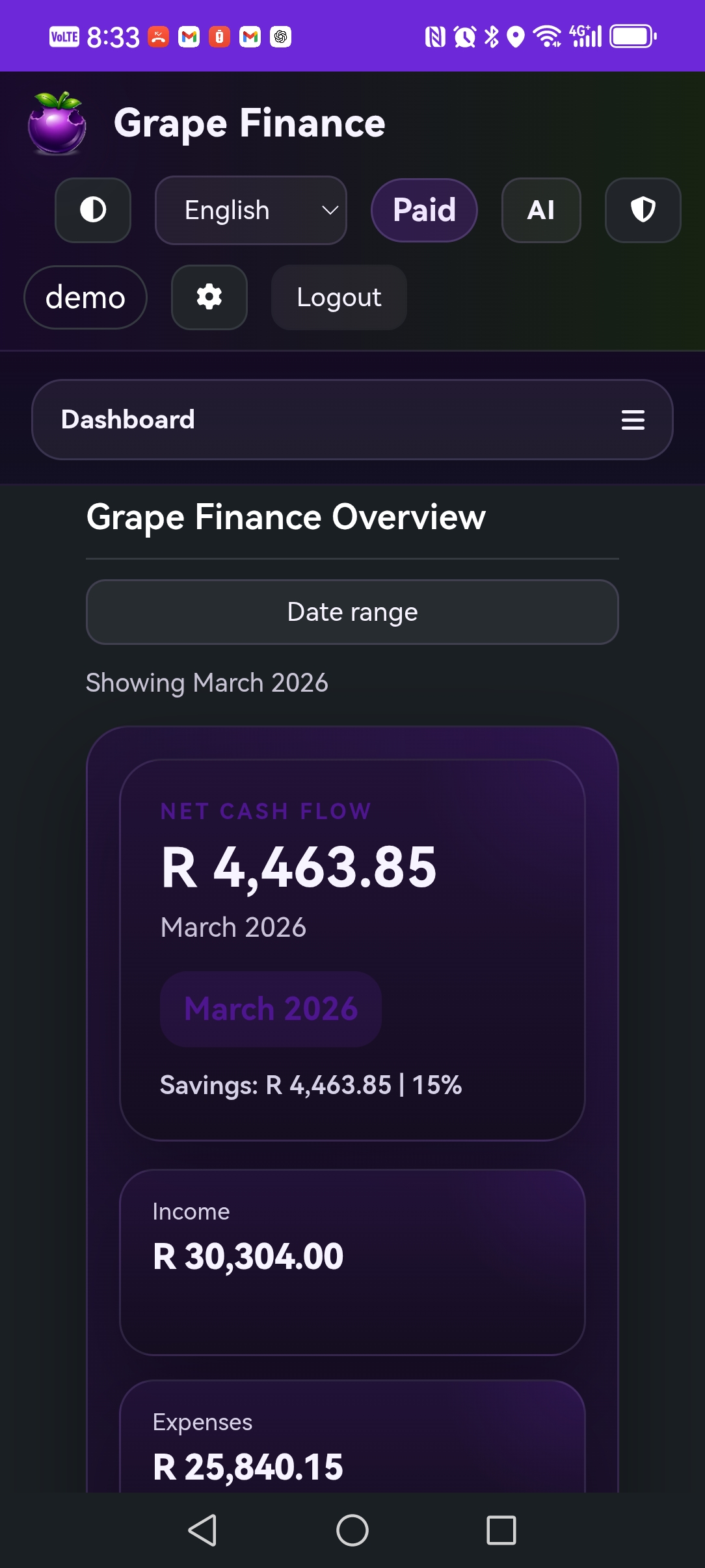
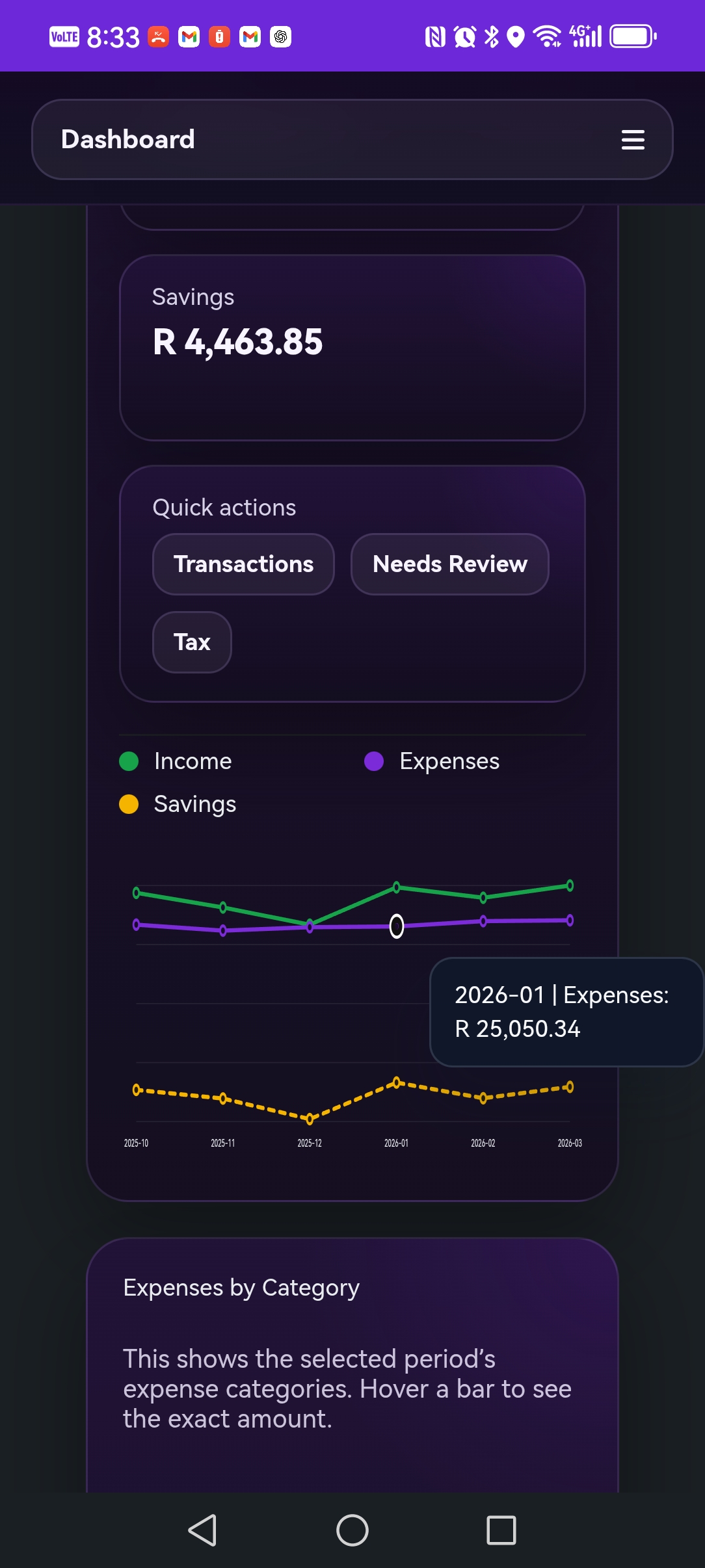
Use the dashboard to see income, expenses, savings, categories, merchants, and month-to-month trends in one place.

AI assistant

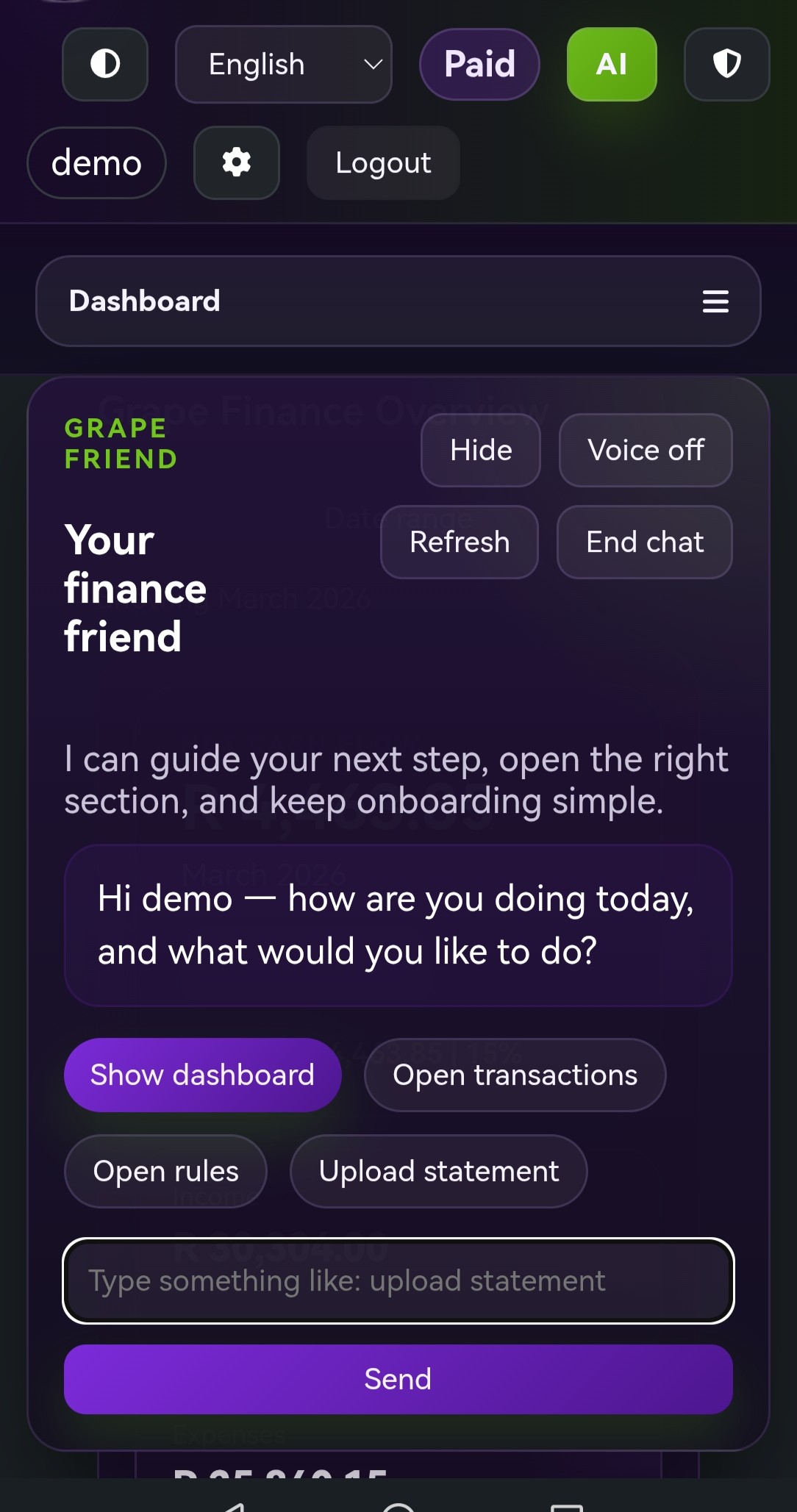
Ask questions in chat

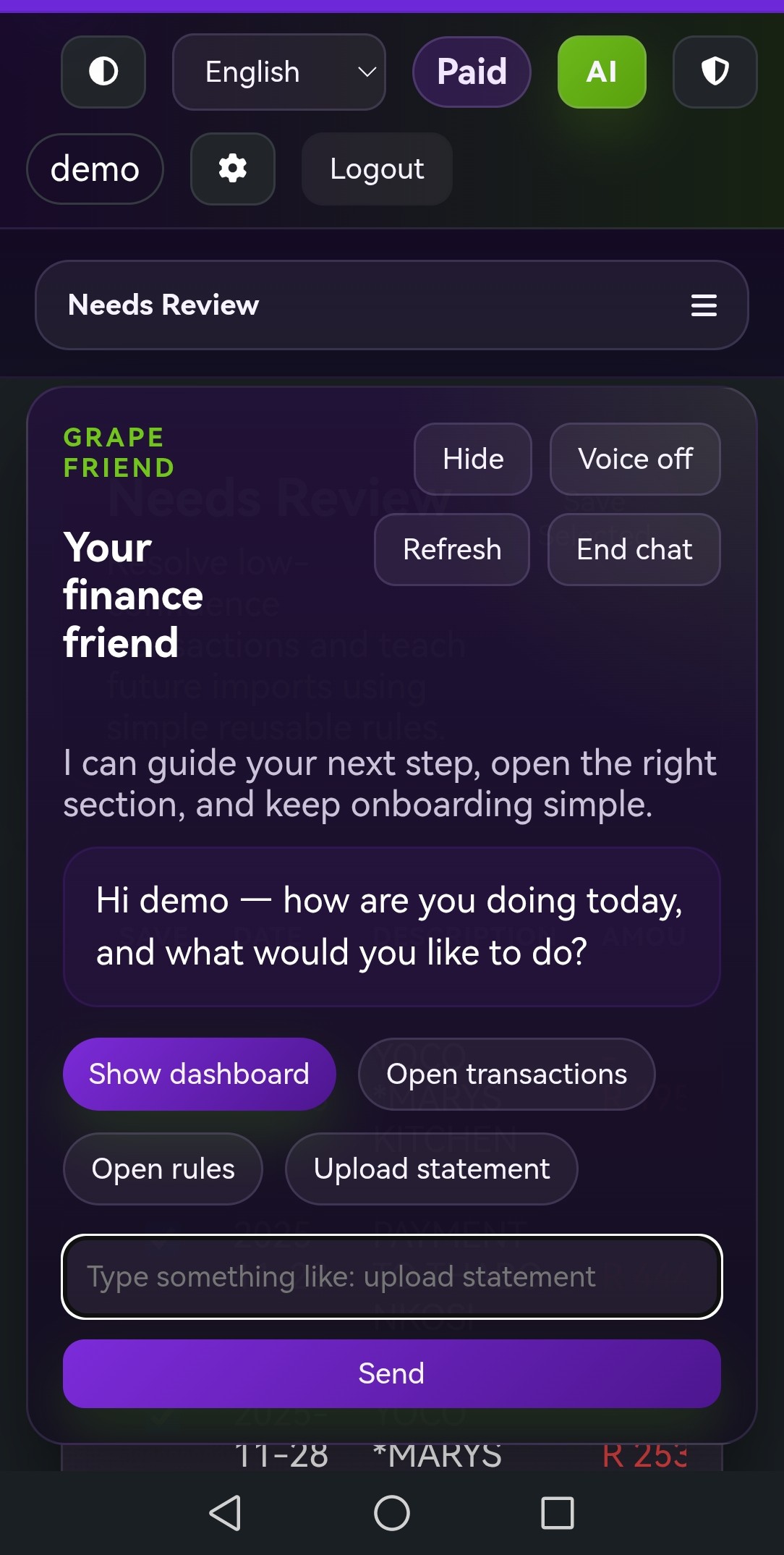
Ask Grape about income, spending patterns, merchants, savings, and tax-readiness without scanning every transaction yourself.

Voice assistant

Speak instead of typing

Use voice when you want a faster, hands-free way to review the same financial questions and insights.

Tax readiness

Preparation support, not tax filing

Organize income clues, deduction clues, evidence, salary benchmark comparisons, and tax-year summaries in one workspace.

Languages

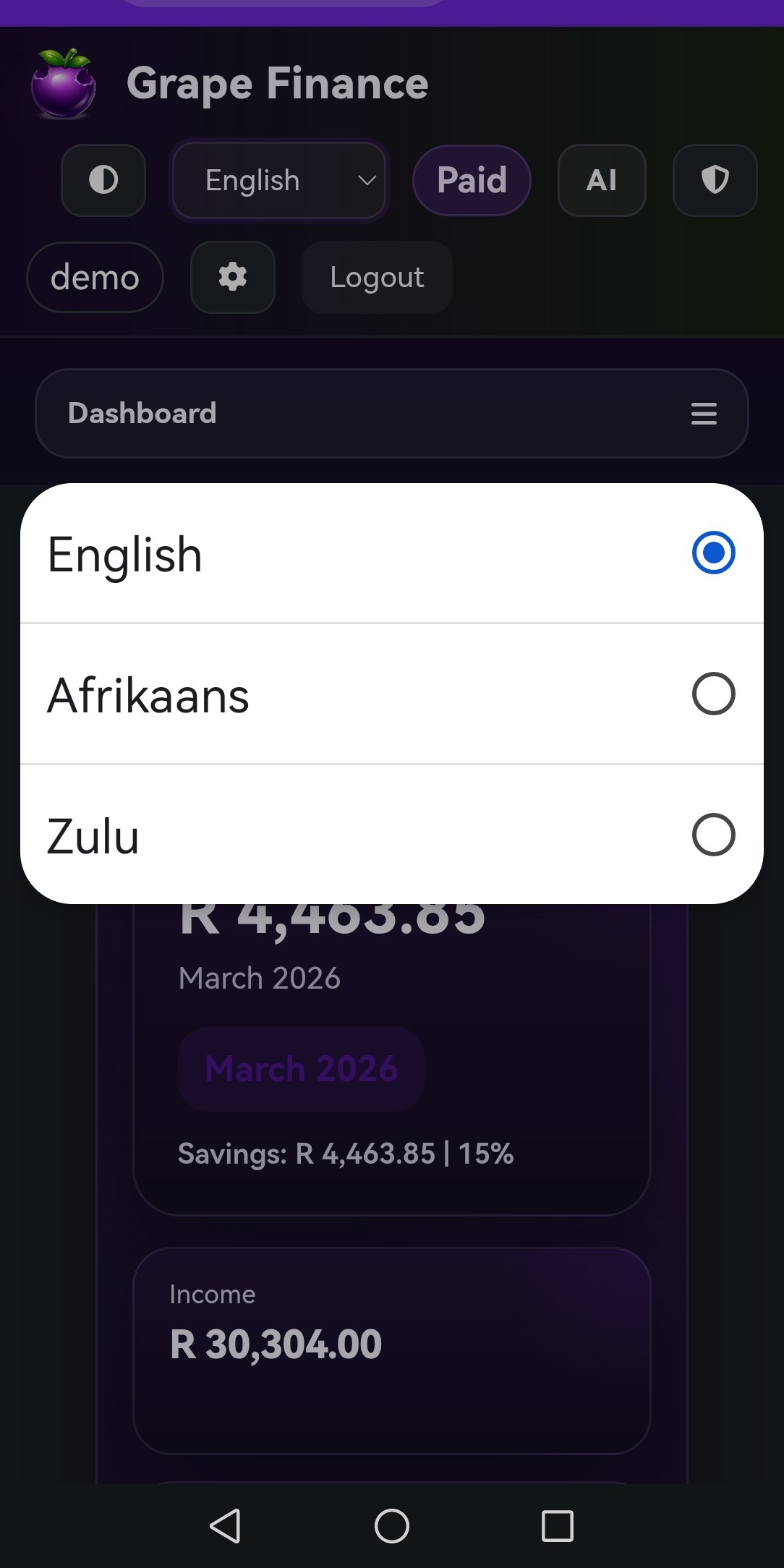
English, Afrikaans, and isiZulu

Use the assistant in the language that feels natural for you, instead of adapting your workflow to the software.

Security

2FA, password reset, and single-user control

Keep access tied to one account owner, with stronger sign-in controls and privacy-minded handling built into the product direction.

Full current feature list

What the product supports right now

  • CSV statement upload
  • PDF statement upload
  • OCR for scanned bank statement PDFs
  • Password-protected PDF handling
  • Receipt photo and PDF storage
  • Transaction auto-categorization
  • Custom categories
  • Learned rules
  • Review queue for unclear transactions
  • Editable reviewed transactions
  • Dashboard analytics for income, expenses, savings, categories, merchants, and trends
  • Tax-readiness workspace
  • Salary benchmark comparison
  • Tax evidence support
  • Tax-year summaries
  • AI chat assistant
  • AI voice assistant
  • English, Afrikaans, and isiZulu support
  • 2FA and password reset
  • Single-user account structure
  • One bank account in the current core product direction
Product preview

Scroll through the mobile UI

GrapeFinance mobile dashboard overview with balances and account insights. GrapeFinance mobile transaction view showing categorized statement activity. GrapeFinance mobile analytics screen with spending and merchant insights. GrapeFinance mobile AI assistant screen for finance questions and answers. GrapeFinance mobile receipt and record workflow preview. GrapeFinance mobile tax-readiness and evidence organization preview. GrapeFinance mobile workflow screen preview. GrapeFinance mobile statement and category workflow preview. GrapeFinance mobile account insights screen preview. GrapeFinance mobile transaction detail screen preview. GrapeFinance mobile finance assistant workflow preview. GrapeFinance mobile summary screen preview. GrapeFinance mobile dashboard and insights preview.
Why the AI matters

The AI assistant is part of the workflow, not a novelty layer on top.

  • Ask what changed in spending, where salary went, which merchants dominate, and what looks unusual.
  • Use text or voice depending on whether you want precision or convenience.
  • Review transactions with the assistant and convert repeated corrections into learned rules.
  • Use it to surface tax-readiness clues without presenting Grape as tax filing software or professional advice.
Single-user design

One account, one person

GrapeFinance is intentionally structured as a single-user product right now. Multi-user sharing is not part of the current direction.

Practical outcome

Less admin, clearer decisions

The point is not to track everything for its own sake. The point is to reduce financial admin and make your next decision easier.

Coming soon

Roadmap items planned for a later rollout.

These are part of the later-stage Premium direction and are not part of the current early-access scope.

Accounts

Multiple bank accounts

Support for handling more than one bank account, including combined and per-account views.

Investments

Investment tracking

Deeper support for investments and longer-term holdings in a Premium workflow.

Assets

Asset register

Track owned assets in a more structured way instead of only focusing on transaction-based financial admin.

Vehicles

Vehicle and service tracking

Keep larger ownership costs and service history visible as the product expands.

Premium management

Richer finance automation

Broader Premium finance management for people who want deeper coverage beyond the current statement-first workflow.

Like the feature set?

Join early access and get the rollout updates.

See the mobile demo, join the waitlist, and hear when new users are invited into GrapeFinance.